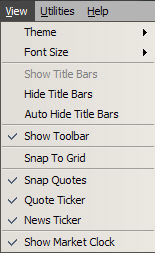
There are a variety of options available in the View menu which affect the display of certain items
Theme
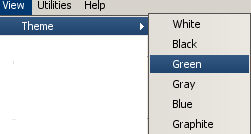
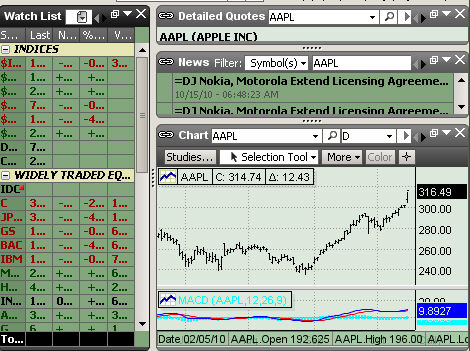
Various colors can be chosen as the theme color which will cause some of the window background colors to change appropriately
Font Size
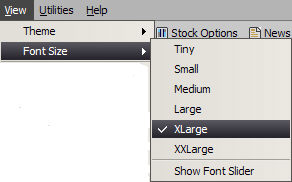
Default Font sizes can also be selected to improve readability
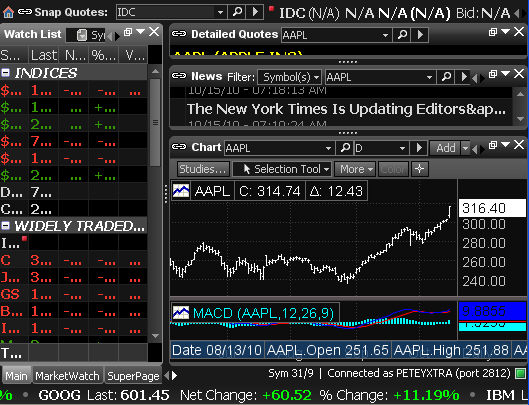
Title Bars
Title bars can be shown, hidden, or Auto-hidden
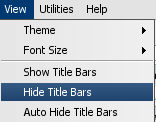
Hidden
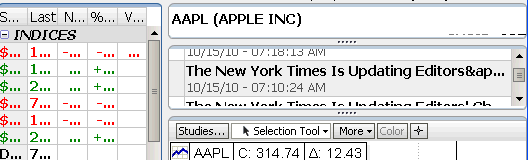
Shown
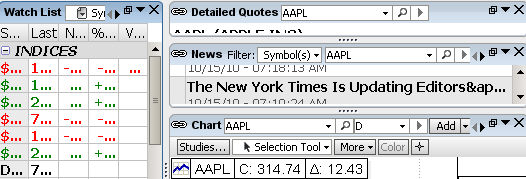
Auto Hide
When Auto Hide is activated the Title Bars are hidden, but when the mouse pointer is brought to the top of the window the point changes to a hand and clicking then causes the Title Bar to appear. It will disappear after another window is selected.
Show Toolbar
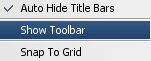

Snap To Grid
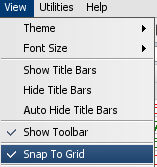
Show Market Clock
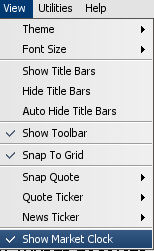
For more information on Market Clock go here
Snap Quote, Quote Ticker and News Ticker
Links to Snap Quote, Quote Ticker and News Ticker